 LogoPilot
Create Game Logos
Turn your idea into a custom game logo in minutes. Choose a logo type and visual style, compare several designs, and refine your favorite with simple text prompts.
Get Started

Every memorable game logo begins with an idea players can recognize—a fierce mascot, a clean crest, or distinctive lettering. LogoPilot turns that idea into a custom gaming logo you can refine with simple text prompts. Choose an icon-only logo, a name-based design, an icon paired with a name, or a monogram made from initials. Explore bold, playful, minimal, or geometric visual styles, then compare several directions before choosing one to refine. Adjust the colors, lettering, design details, and mood without starting over. Keep the same visual identity across profiles, streams, tournaments, app stores, and merchandise. When your logo is ready, download the finished design in five formats, including transparent PNG and WebP.
Every kind of game logo
Whether you’re building a team, channel, server, or game, LogoPilot helps you create a logo that feels unmistakably yours.
Esports team logos
Bold emblems and mascot logos designed to stand out on jerseys, banners, and tournament broadcasts.
Gaming clan logos
Give your squad an identity it can rally behind, from menacing mascots to clean crests.
Discord server logos
Sharp, recognizable server icons that help your community stand out in Discord’s crowded sidebar.

Streamer logos
Build a consistent channel identity across profile pictures, panel headers, Starting Soon screens, and branded chat emotes.
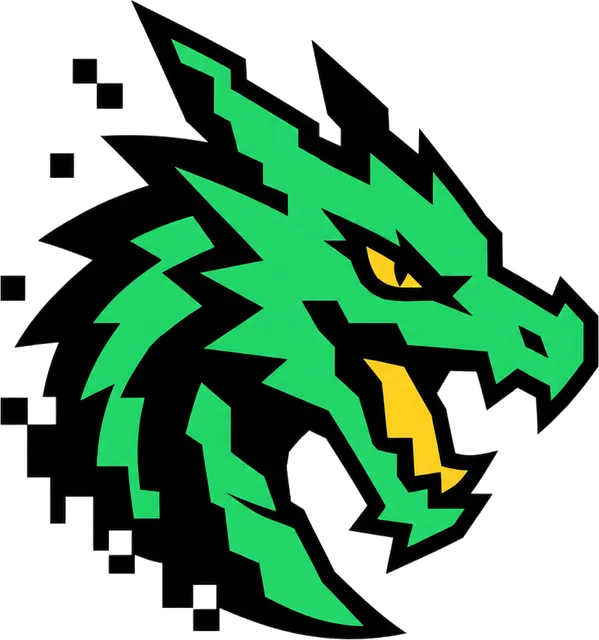
Gaming channel logos
Stay recognizable at thumbnail size and give every YouTube upload a consistent, on-brand look.
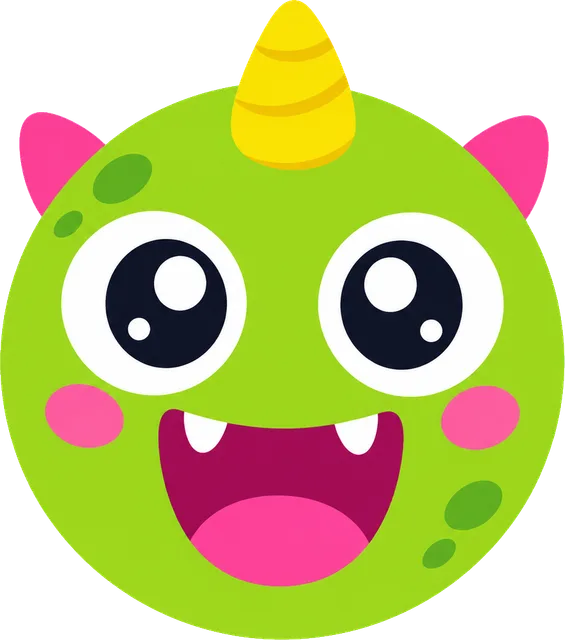
Mobile game logos
Designed to stay clear and recognizable on phone screens, app icons, and app store listings.
Frequently asked questions
How do I create a game logo with LogoPilot?
Describe your team, server, channel, or game, then choose a logo type and visual style. LogoPilot generates several custom designs that you can refine and download. No design experience is required.
Where can I use my gaming logo?
Use it for Discord server icons, Twitch and YouTube profiles, stream overlays, esports branding, tournament graphics, merchandise, mobile games, and app store listings.
Can I add my team, clan, or channel name?
Yes. You can create a logo using your full name, pair your name with an icon, use an initial or monogram, or generate an icon without text.
Can I use my game logo commercially or register it as a trademark?
You can use your logo for personal or commercial purposes without attribution. Because the designs are AI-generated and cannot be guaranteed unique, you should check for conflicting rights before using one commercially or applying for a trademark.
What file formats can I download?
Every logo is available as JPEG, PNG, WebP, transparent PNG, and transparent WebP. Transparent files work especially well for profiles, overlays, thumbnails, and different background colors.
Can I edit my game logo after it is generated?
Yes. Open the logo and describe your changes in plain language, such as a different color palette, bolder lettering, or a different icon. LogoPilot applies the change while preserving the rest of the design.
How much does it cost to create a game logo?
LogoPilot uses pay-as-you-go credits with no subscription or recurring charge. You purchase credits once and use them for logo sets and edits; current rates are available on the pricing page.